
Use AI inside real business processes
Evans Digital builds AI chat and voice agents that help businesses answer common questions, capture leads, guide visitors to the right next step, and respond even when the team is busy.
Based in Tamworth, working with businesses locally, across the UK and beyond.
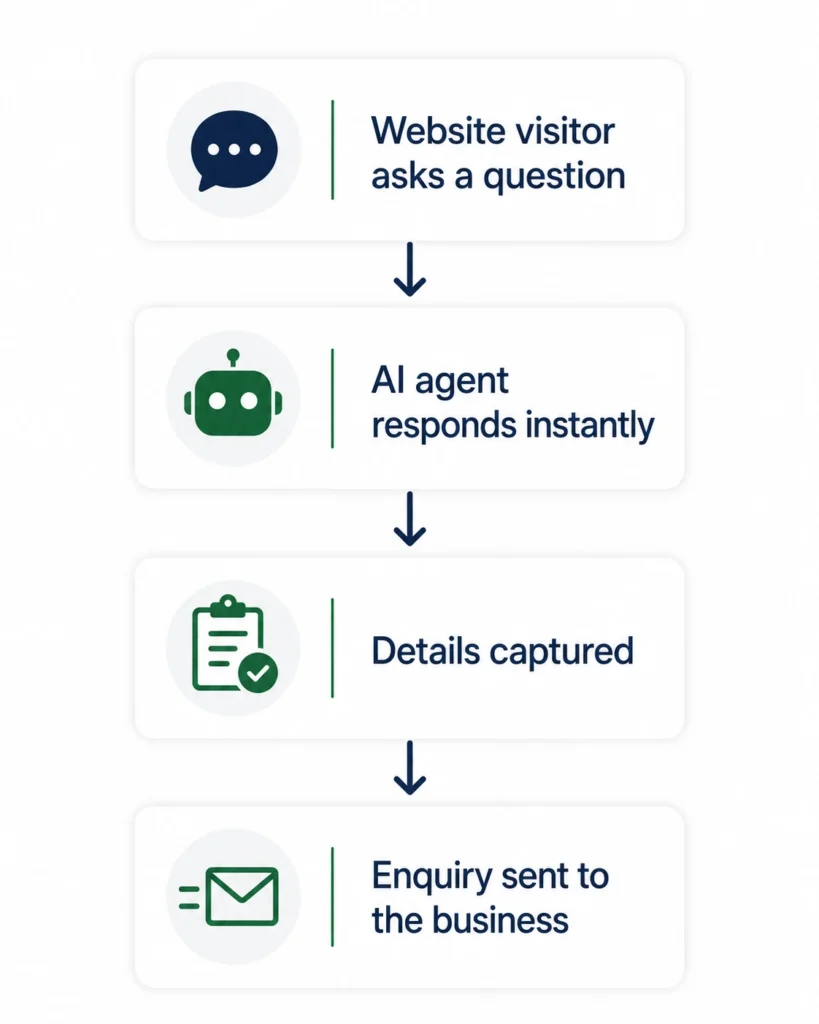
AI should support the process, not become another disconnected tool
Many businesses want to use AI but are unsure where it would provide genuine value.
Adding a generic chatbot or giving staff another separate AI tool rarely fixes the underlying process.
The strongest use cases usually involve adding AI to a specific part of an existing workflow, where information needs to be read, understood, organised or prepared for someone to act on.
Common signs AI could support a process
- Staff repeatedly reading long emails or documents
- Important details being copied out manually
- Enquiries needing to be categorised or routed
- Responses repeatedly written from scratch
- Unstructured information slowing down the next stepT
- eams processing more information than they can easily manage
What AI-assisted processes can help with
AI data extraction
Extract names, dates, amounts, reference numbers and other useful details from emails, documents, forms or uploaded files.
Customer support assistance
Prepare relevant answers, summarise customer issues and give team members the information they need to respond faster.
Lead capture and qualification
Collect enquiry details, identify what a potential customer needs and pass structured information to the right person or system.
Document and email classification
Categorise incoming information and route it based on its content, priority or required next action.
Summaries and internal updates
Turn lengthy emails, conversations, documents or records into clear summaries for your team.
Information preparation
Help staff find relevant information, understand records and complete repeatable information-handling tasks more efficiently.
Practical ways AI can support your workflow

Data extraction
For reading emails, forms, PDFs or documents and turning the relevant details into structured information.

Customer support assistance
For understanding customer questions, finding relevant information and preparing helpful responses for your team to review.

Lead and enquiry processing
For collecting enquiry details, understanding what the customer needs and passing clear information into your CRM or internal workflow.
How an AI-assisted process project works
01 Review the current process
I look at the information your team currently receives, how it is handled and where time is being lost.
02 Identify a practical AI use case
I identify where AI can support a clear task rather than adding it where ordinary automation would work better.
03 Design the assisted workflow
I map what information enters the process, what AI needs to do and where a person should review or approve the result.
04 Build and test
The process is built and tested using realistic examples, including information that may be incomplete, inconsistent or unclear.
05 Refine and improve
The instructions, outputs and review steps can be improved as the process handles more real-world information.
A good AI-assisted process should solve a clear problem
The goal is not to add AI simply because it is available.
The goal is to reduce a specific piece of manual work, improve how information is handled and give your team a useful output they can act on.
A good AI-assisted process should have a clear purpose, sensible limits and a defined point where a person reviews the result.
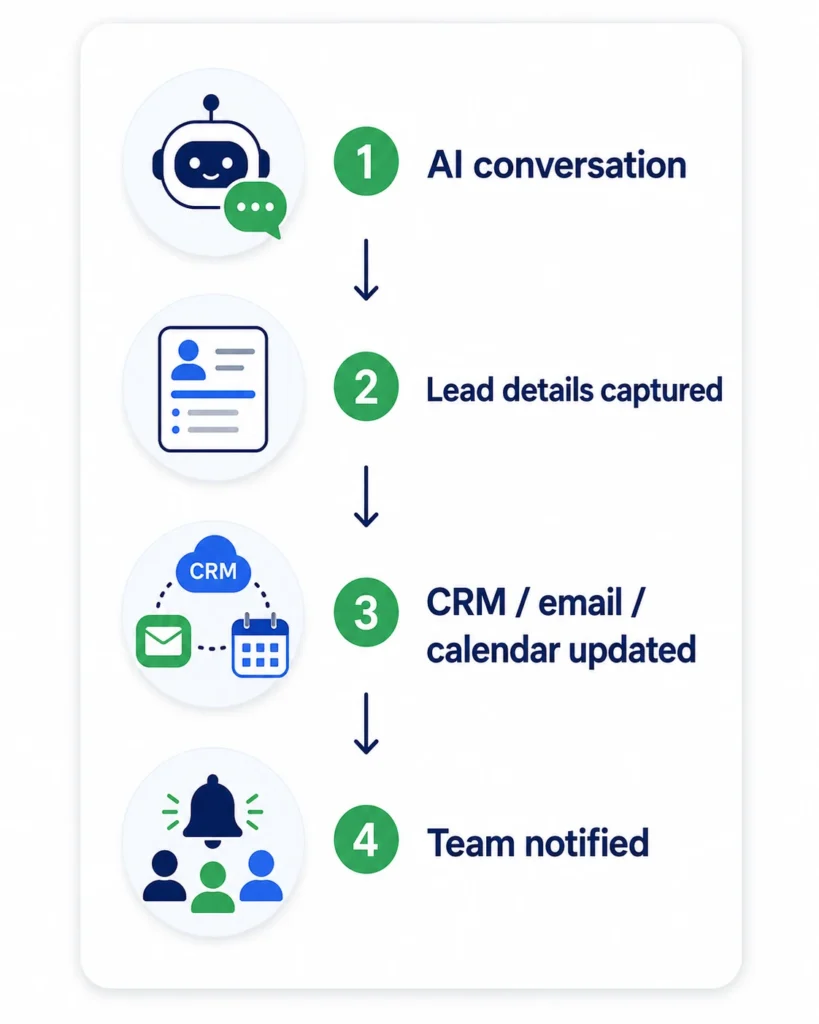
AI works best as part of a wider workflow
AI may read, understand or prepare the information, but the real value often comes from what happens before and after that step.
For example, an automation might detect a new email, AI might extract the relevant details, and a custom internal system might display the result for someone to review.
The information can then be passed into your inbox, CRM, spreadsheet, reporting workflow or internal system without someone manually moving it between tools.

Want to explore where AI could support your business?
Send me a process involving emails, documents, enquiries or repetitive information handling and I’ll help you identify whether AI could improve it.