
Automate the repetitive work slowing your business down
When the same information is copied between emails, spreadsheets, CRMs and reports, your team loses time to work that should happen automatically.
I build workflow automations that connect your existing tools and move information through the process without constant manual input.
Based in Tamworth, working with businesses locally, across the UK and beyond.
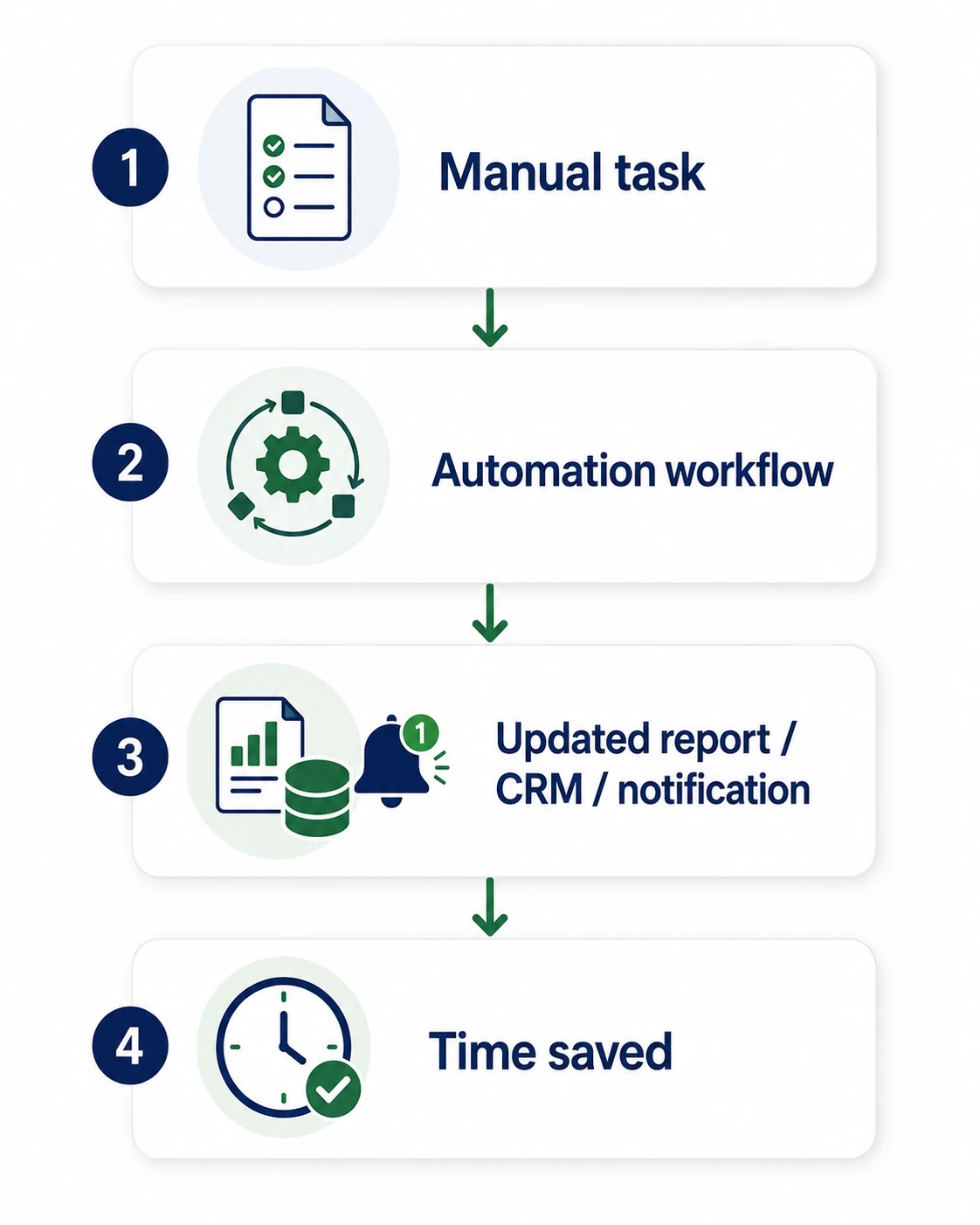
Manual work often hides inside normal business processes
A task might only take a few minutes on its own.
But when it happens every day across multiple clients, customers, team members or reports, those small tasks quickly become a significant drain on time.
Workflow automation removes the repeated steps, helping your team spend less time copying, updating and chasing information and more time using it.
Common signs a process could be automated
- Copying information between different tools
- Updating spreadsheets manually
- Preparing the same reports repeatedly
- Chasing updates and follow-ups
- Sending the same notifications
- Reformatting information before it can be used
- Relying on someone to remember the next step
What workflow automation can help with
Email-to-report workflows
Turn email alerts, enquiries and updates into structured data that is ready to review or report on.
Form submissions and enquiries
Automatically send form data to the correct spreadsheet, CRM, inbox, system or team member.
Client reporting workflows
Collect, organise and format reporting information into a clear and consistent structure.
CRM and spreadsheet updates
Keep customer, project and operational records updated without repeatedly entering the same information by hand.
Follow-up reminders
Trigger reminders when a customer, task, approval or deadline needs attention.
Internal notifications
Send the right update to the right person when something changes or action is required.
Data formatting
Clean, organise and restructure information so it can be used by your team or passed into another system.
Task creation
Turn incoming emails, forms or system updates into tasks, tickets or clearly defined workflow steps.
From repeated manual steps to a smoother workflow
Before
- Emails are checked manually
- Information is copied between tools
- Spreadsheets are updated one row at a time
- Reports are reformatted repeatedly
- Follow-ups depend on someone remembering
- The process becomes harder to manage as volume grows
After
- New information is detected automatically
- The relevant details are extracted
- Spreadsheets, CRMs or internal systems are updated
- Notifications are sent to the right people
- Follow-ups are triggered at the right time
- The workflow can handle more volume without adding the same amount of admin
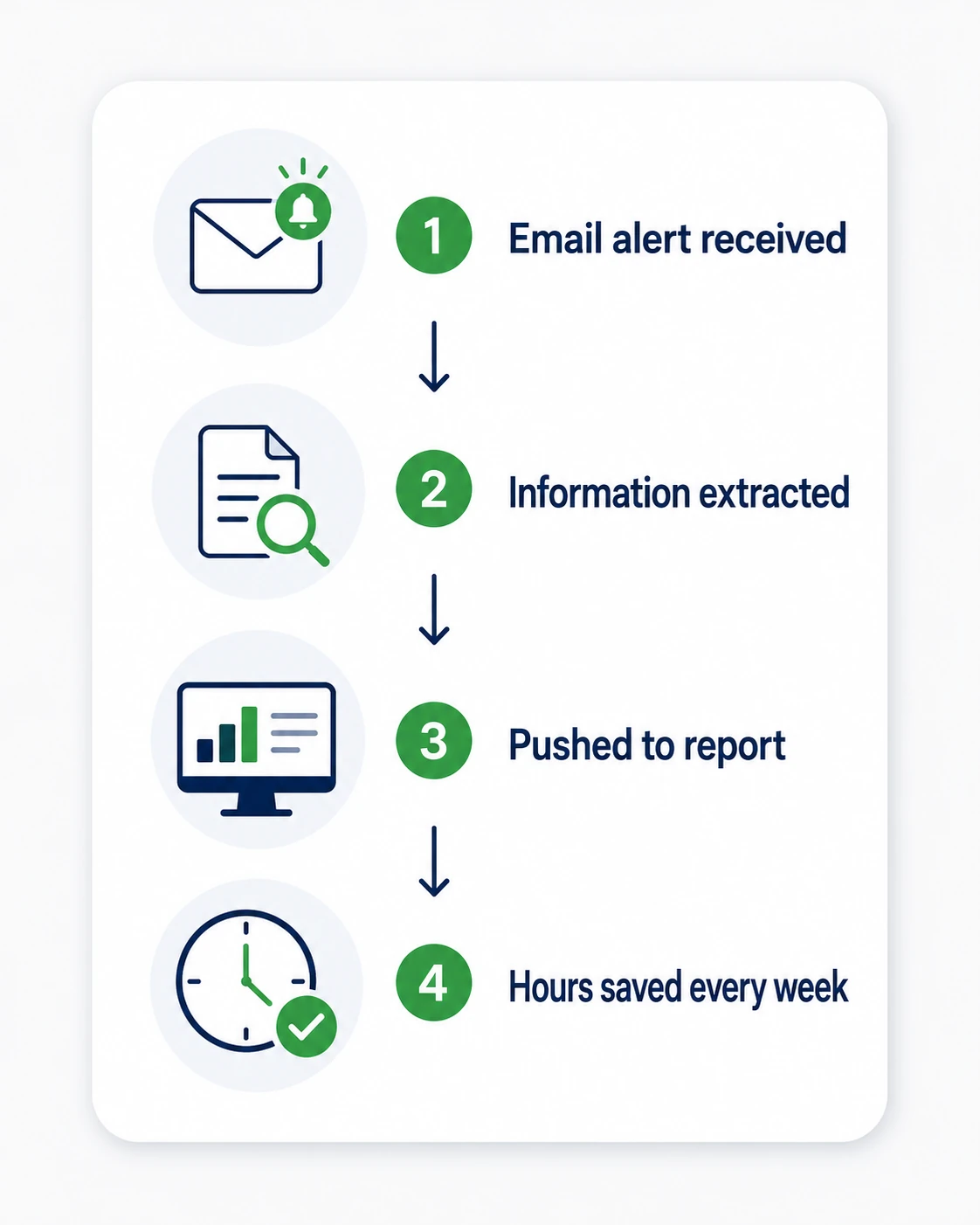
Example: turning email alerts into structured reporting data
A marketing agency was spending time taking information from email alerts and manually turning it into client reporting data.
The automation identified the useful information, structured it consistently and added it to the reporting workflow.
This reduced repetitive admin, improved consistency and made the process easier to manage as the agency’s client volume increased.
Connect the tools your business already uses
The right automation depends on your workflow.
Automations can connect the forms, inboxes, spreadsheets, CRMs, calendars, reporting platforms and internal systems your business already relies on.
How a workflow automation project works
01 Map the current workflow
I review what happens now, which tools are involved and where time is being lost.
02 Find repeatable steps
I identify the rules-based tasks that happen regularly and are suitable for automation.
03 Design the workflow
I map what should start the automation, what actions should happen and where the information needs to go.
04 Build and test
The workflow is built and tested against realistic scenarios to make sure information moves correctly and exceptions are handled.
05 Monitor and improve
The automation can be refined as your process changes, new tools are introduced or the volume of work increases.

Want to know what could be automated first?
Send me a repetitive workflow, admin process or manual task and I’ll help you identify where automation could save time and reduce unnecessary work.